Tutorial
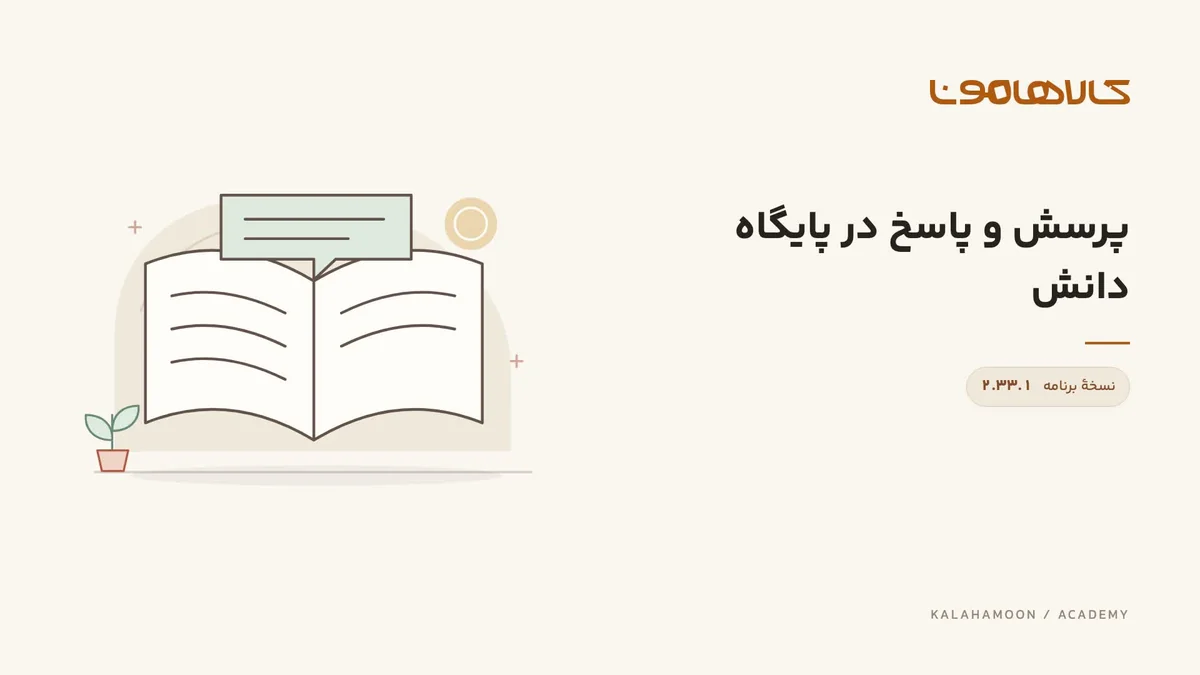
Create a question and answer in the knowledge base
Save a categorized training question and answer, then reload the knowledge base to verify that it remains available.
Kalahamoon team
This video is hosted on Aparat. Load it to connect to Aparat.
What this lesson covers
Save a categorized training question and answer, then reload the knowledge base to verify that it remains available.
Before you start
Prepare a frequent question and a team-approved answer. Keep personal customer information out of reusable knowledge content.
Follow the walkthrough
Open the question-and-answer form and choose its topic.
Enter the sample question and answer, then save.
Locate the new entry in the list and reload the page.
Check the result
The same topic, question and answer after reload demonstrate persistence of the sample entry. Also review accuracy and freshness.
Using this in your workspace
Saving knowledge does not guarantee correct assistant answers. Test response quality separately with real questions and different wording.
About this video
Recorded in Kalahamoon 2.33.1 with Persian on-screen captions and background music, without narration. The visible records belong to a demonstration workspace.