Tutorial
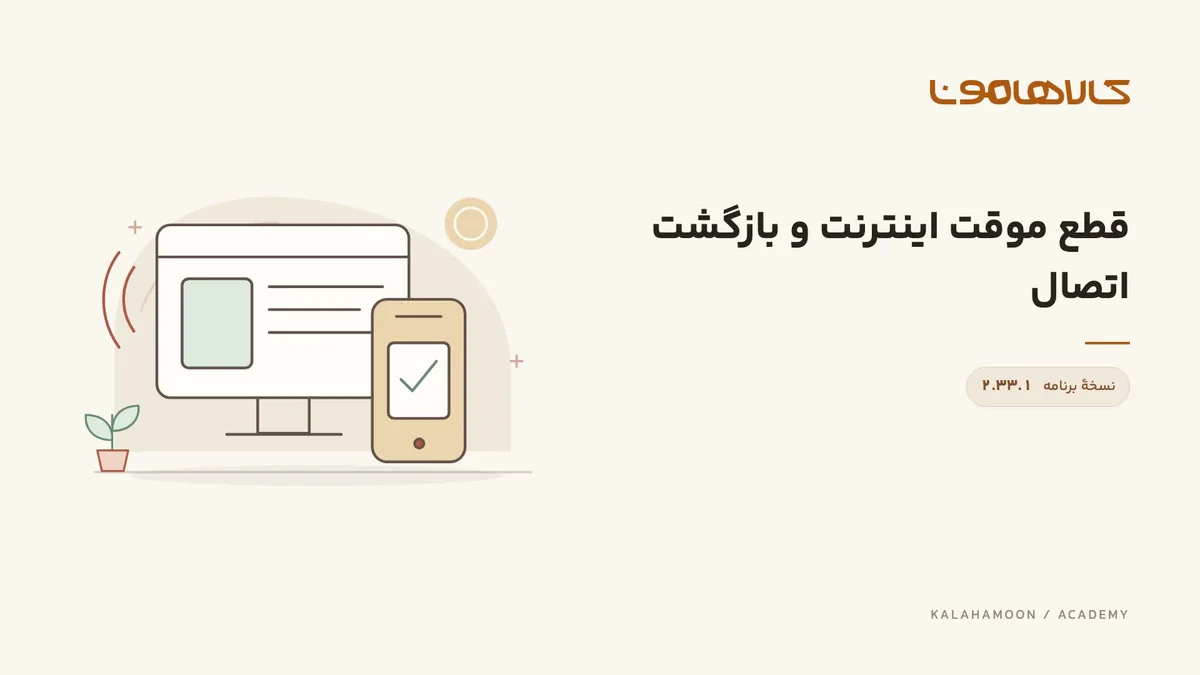
Check connectivity when the browser goes offline
Observe online status, a browser disconnection and recovery so you can recognize connection changes.
Kalahamoon team
This video is hosted on Aparat. Load it to connect to Aparat.
What this lesson covers
Observe online status, a browser disconnection and recovery so you can recognize connection changes.
Before you start
Practice in a test environment and avoid sensitive operations or real message sends while disconnecting the browser.
Follow the walkthrough
Inspect application status while connected.
The demonstration disconnects the browser; observe the connection indicator.
Restore connectivity and inspect the recovered status.
Check the result
Check that the online indicator returns. The video does not establish that business operations can complete offline.
Using this in your workspace
After an interruption, inspect the affected record before retrying a send or save, so an already completed request is not repeated.
About this video
Recorded in Kalahamoon 2.33.1 with Persian on-screen captions and background music, without narration. The visible records belong to a demonstration workspace.