Tutorial
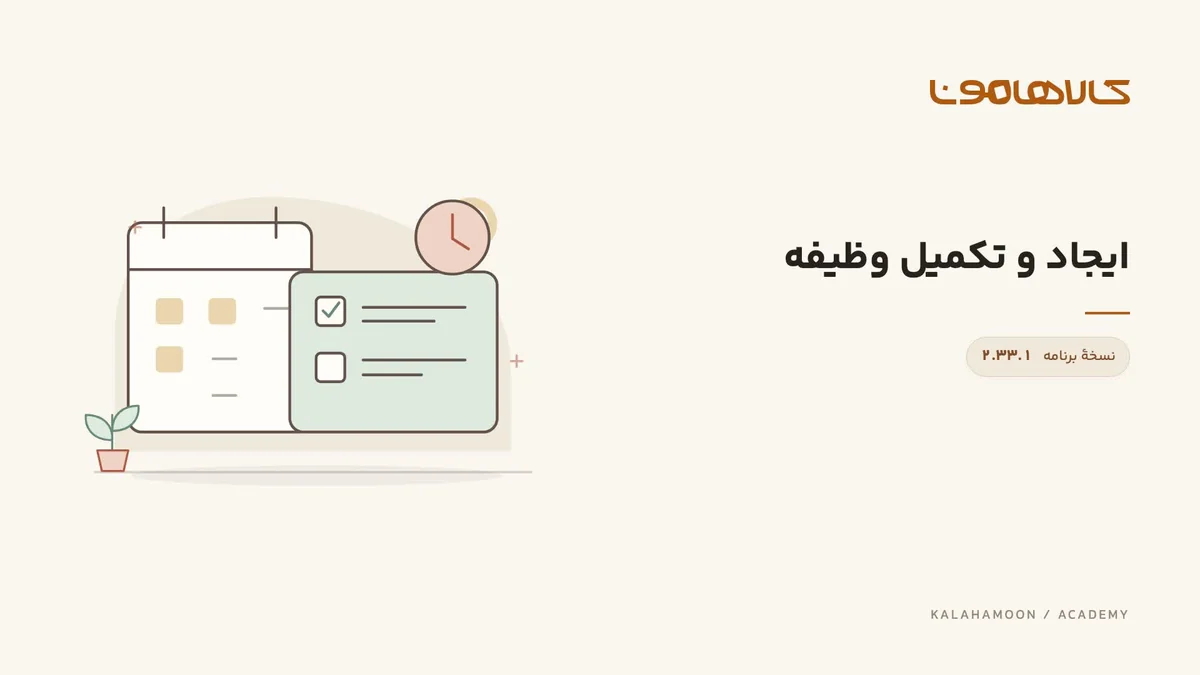
Create a follow-up task and verify completion
Create a task with a title and description, locate it, mark it complete and verify it under completed tasks.
Kalahamoon team
This video is hosted on Aparat. Load it to connect to Aparat.
What this lesson covers
Create a task with a title and description, locate it, mark it complete and verify it under completed tasks.
Before you start
Choose a small internal task with a clear outcome, such as reviewing a customer response before the next call.
Follow the walkthrough
Open the new task form and enter a clear title and description.
Save and locate the same task in the list.
Complete the sample task and verify it with the completed filter.
Check the result
Match the title and status under the correct filter. Confirm the same task moves from active to completed.
Using this in your workspace
Mark completion after the work is actually done. Write task details so another teammate can understand them without an oral explanation.
About this video
Recorded in Kalahamoon 2.33.1 with Persian on-screen captions and background music, without narration. The visible records belong to a demonstration workspace.