Tutorial
Build a workflow, simulate it and inspect execution logs
Create a workflow from the import-review template, simulate its four steps, publish it and inspect a sample-event execution log.
Kalahamoon team
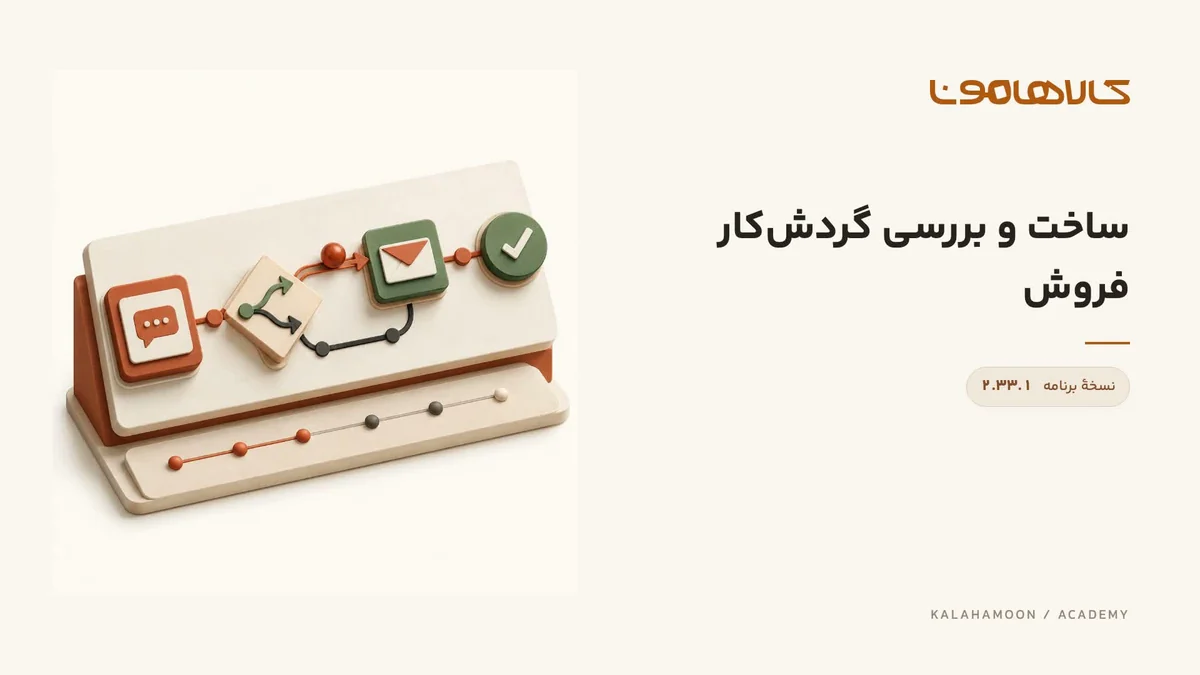
This video is hosted on Aparat. Load it to connect to Aparat.
What this lesson covers
Create a workflow from the import-review template, simulate its four steps, publish it and inspect a sample-event execution log.
Before you start
Identify the trigger, conditions and actions. This recording uses an isolated training environment with a sample event injected through its API.
Follow the walkthrough
Choose the product import review template and create a workflow.
Run the four-step simulation and inspect each step’s path and result.
Review settings and publish. A sample event is injected; inspect its input, action results and timeline in the execution log.
Check the result
Check simulation success and the recorded sample-event execution separately. These results do not establish a real customer send or operation in an external seller service.
Using this in your workspace
Before publishing in a real workspace, review data-changing and messaging actions and test a limited traceable event. Publication alone does not establish that all future events will execute.
About this video
Recorded in Kalahamoon 2.33.1 with Persian on-screen captions and background music, without narration. The visible records belong to a demonstration workspace.